

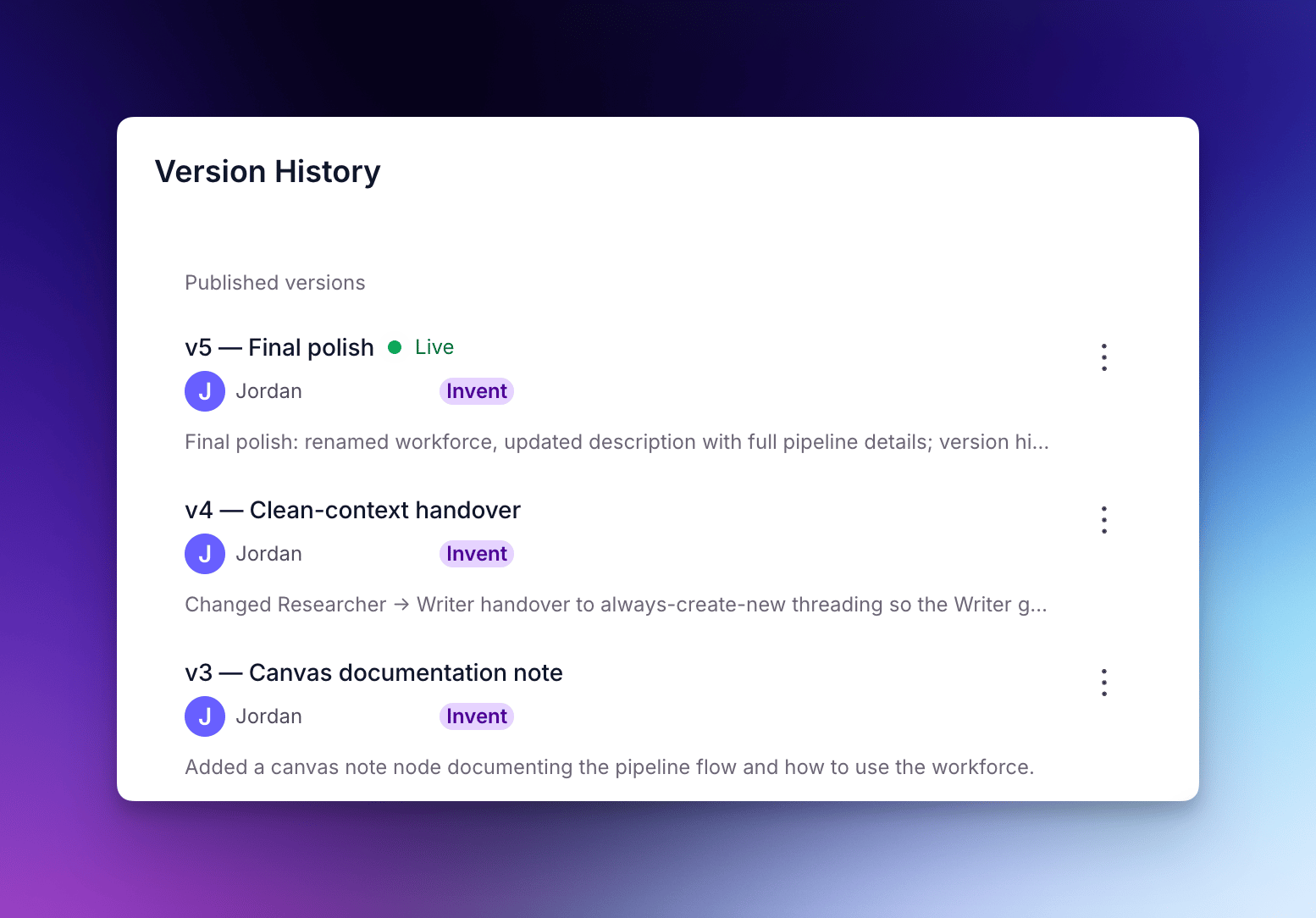
How version history works
A new version is created in two situations:- On every draft save — whenever you make a change and save without publishing
- On publish — when you publish a draft to make it the active version
- Your published (active) version keeps running while you iterate
- Draft changes are saved automatically as you work
- Publishing is an intentional step — you decide when changes go live
Version names and descriptions
Each version has a short name and a longer description, and both are optional. A version saved without a name is listed by its timestamp instead — for example,Aug 18, 2:30 am — so naming the versions you might want to return to makes them much easier to find later. Invent sets a name and description when it publishes changes, but neither field is enforced by the platform.
When you restore a version, the restored state is saved as a new draft with (restored) appended to the version name. The description carries over unchanged from the version you restored.
Accessing and restoring versions
Version history works the same way for Agents, Tools, and Workforces:- Open the Agent, Tool, or Workforce in the builder
- Click the three-dot menu in the top right
- Select Versions
The three-dot menu only lists Versions in the builder. It’s hidden on an Agent’s Use tab, when you’re not on the Workforce Build tab, and in the Tool builder embedded inside the Agent builder, where you need to open the Tool on its own page instead.
With Invent
Ask Invent to restore a version by describing what you want — for example:“Restore the previous version of this Tool”Invent always asks you to confirm before applying the restore. It can also rename an existing version for you if you’d rather not open the panel yourself.
Edit a version name or description
You can relabel any version after it’s been saved, including the current draft, the active version, and historical versions. In the version history panel, click the three-dot menu on a version, then select Edit name / description. This changes only the label — the configuration stored in that version is untouched, as are its author and timestamp.Renaming an Agent version requires admin permission on that Agent, while Tools and Workforces also accept project editor permission.
Version retention
Versions are kept indefinitely unless your organization has a data retention policy in place. Where one applies, a version is deleted only if both of these hold:- It is older than the retention window, measured from when the version was created rather than when it was last edited
- It is not the active version (the one currently published) or the draft version (your current work in progress). Those two are always protected, at any age
Frequently asked questions (FAQs)
Can I rename a version after it's been saved?
Can I rename a version after it's been saved?
Yes. Open the version history panel, click the three-dot menu on the version, then select Edit name / description. This works for Agents, Tools, and Workforces, and applies to the current draft, the active version, and historical versions alike. You can also ask Invent to rename a version.
Does restoring a version publish it automatically?
Does restoring a version publish it automatically?
No. A restored version always lands in draft, and you publish it yourself when you’re ready. The live version keeps running until you do, so you get a chance to review the restored state before it goes out.