

Build with Invent
Invent is one of the main ways to build in Relevance AI. Describe a business process in plain language and work with Invent to define its inputs, systems, decisions, exceptions, and measures of success. Invent creates and connects the Agents, Tools, Triggers, Knowledge, and Workforces needed to run the process. After launch, it can review Evals and live performance, diagnose quality problems, and propose tested improvements for your approval.Explore Invent
Learn how Invent helps you understand a process, build the Agent team, and maintain its quality after launch.
How it all fits together
Invent can assemble and coordinate these components for you, or you can configure them directly:Agents — the workers
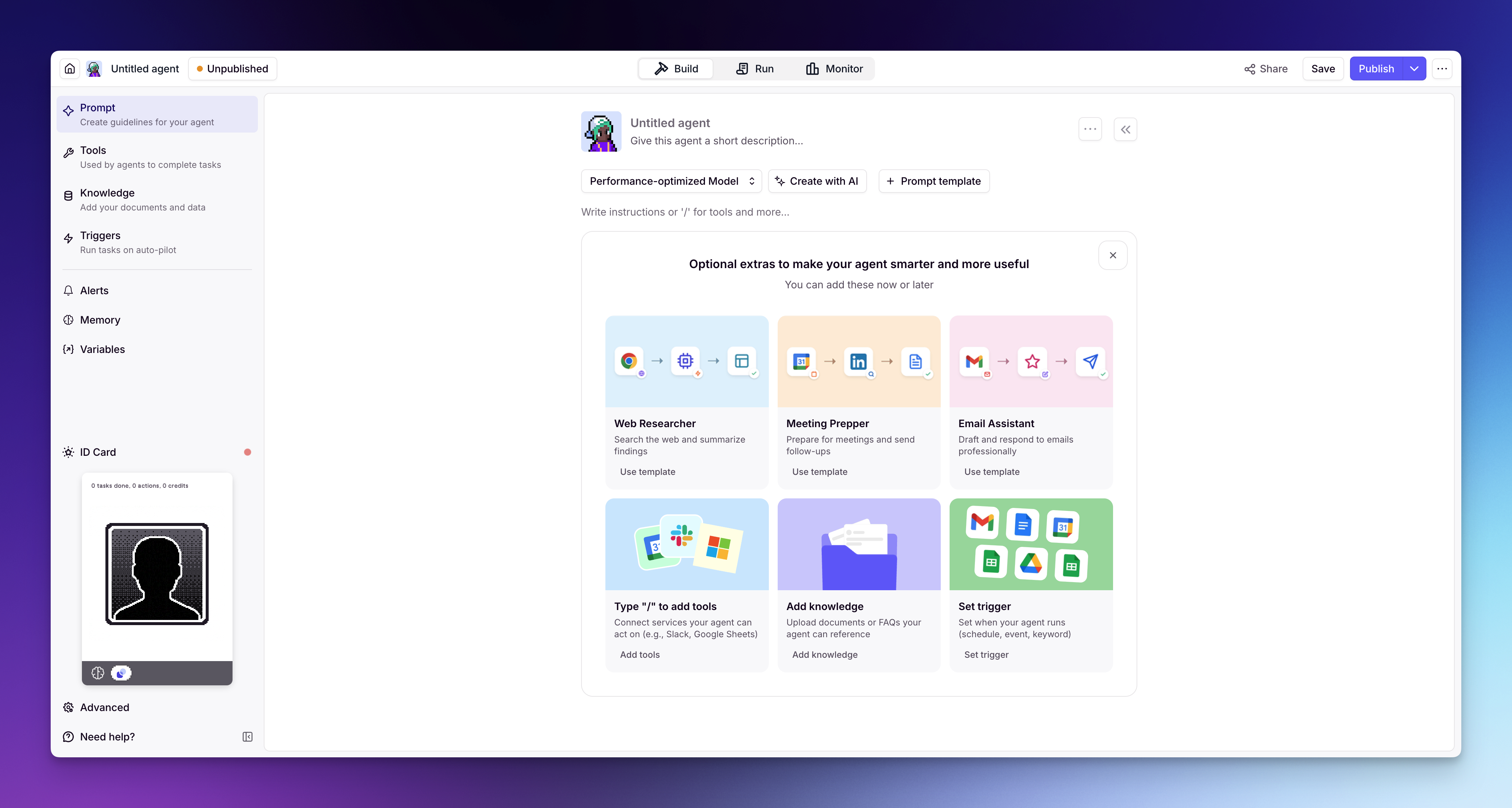
You create agents that use your tools and knowledge to autonomously complete tasks, following the instructions and guardrails you set.
Tools — the actions
You build tools that define what your agents can do — call an API, send an email, search your CRM, run custom code, or chain steps together into a workflow.
Workforces — the team
You connect multiple agents into a workforce on a visual canvas — they collaborate and hand off work to each other.
Knowledge — the context
You connect knowledge so agents have access to your data — documents, spreadsheets, databases, websites — and can respond with accuracy.
Choose how to build
You can work with Invent or configure each component directly:Build with Invent
Describe a business process in plain language. Invent builds and connects the Agents, Tools, Knowledge, Triggers, and Workforces needed to run it, then helps monitor and improve performance after launch.
Build directly
Full step-by-step control over every setting and configuration. Ideal when you need precision, have a specific workflow in mind, or want to fine-tune behavior.