Introduction
Welcome to the user guide for the “Anonymize Text” Tool! This Tool is designed to help you protect sensitive information by masking or hiding
personally identifiable information (PII) in text documents.
Whether you are a market researcher, customer support reporter, data privacy officer, content creator, or simply concerned about safeguarding
personal data, this Tool is here to assist you.
With its user-friendly interface and powerful anonymization capabilities, you can ensure the privacy and security of sensitive information with ease.
Overview
The “Anonymize Text” Tool is your go-to solution for anonymizing text documents. It utilizes advanced NLP and large language models to detect and
mask personally identifiable information (PII) in your text data.
By replacing sensitive data with generic placeholders or pseudonyms, you can protect personal information and comply with data protection regulations.
With its intuitive design and efficient anonymization process, this Tool is a must-have for anyone dealing with sensitive information.
Key Feature
PII Detection:
The Tool automatically identifies personally identifiable information (PII) in your text documents. It recognizes sensitive data such as names, addresses,
phone numbers, and email addresses. This feature ensures that all PII is properly identified for anonymization.
Locate the Tool in the template page and click on Use template.
You can use the Tool as is or
clone it.
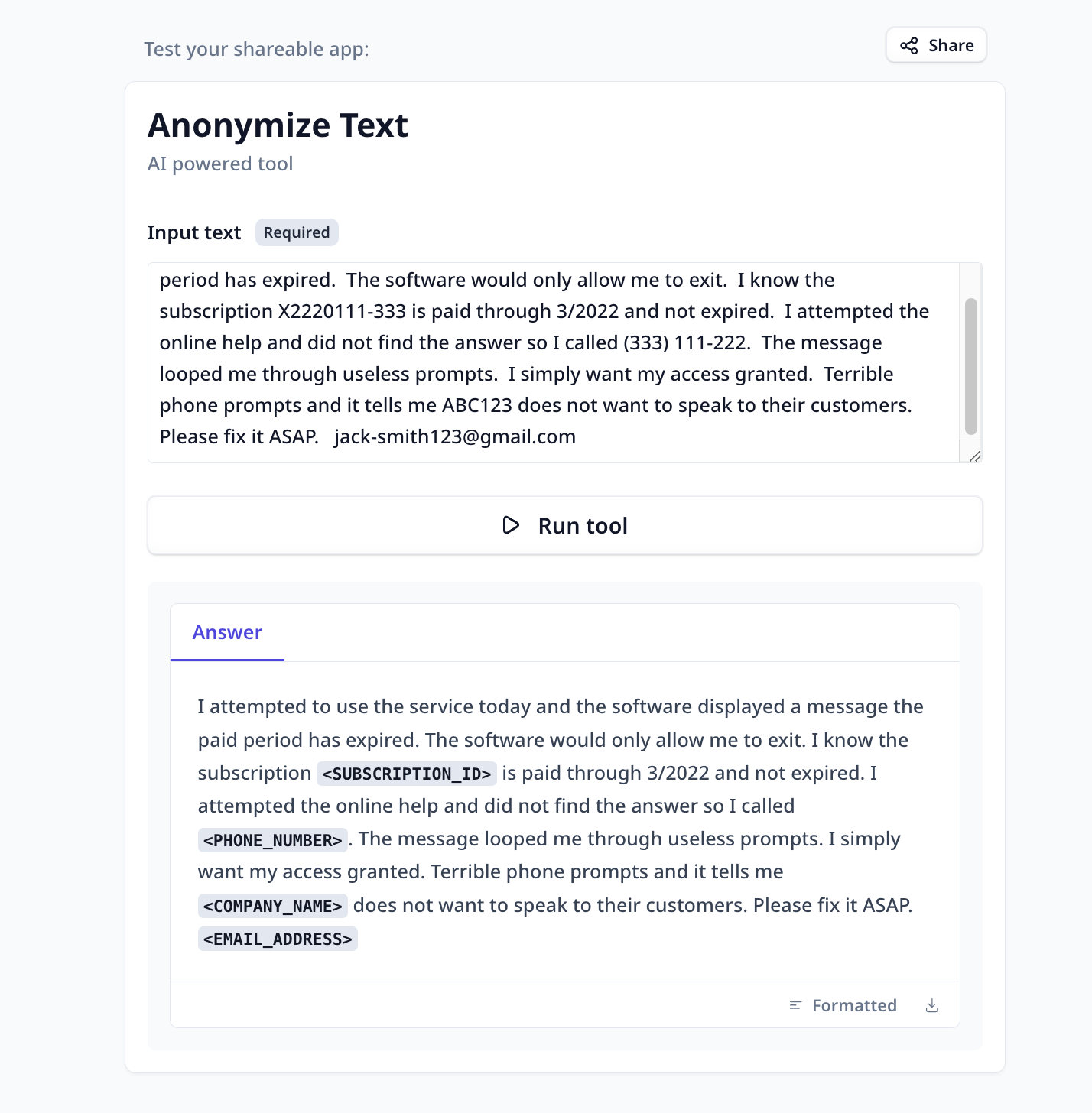
Simply provide your text and run the Tool to received the PII-masked version.
-
Provide the text: Use copy-paste to provide the input. Or when in a bulk-run, select
the corresponding column containing the data to by anonymized.
-
Run the Tool: Once you have provided the input, click the “Run Tool” button (on the App page) or use
the run options on your data table (bulk/single run) to initiate the the analysis process. The Tool will automatically detect and mask the personally identifiable
information (PII) in your documents.
Tools and templates can be
-
tested on individually provided inputs:
-
set to fetch the data from a dataset and apply the analysis on the whole dataset:
-
View Results : The Tool will provide you with the PII-masked version of the input.
Even though our tests have shown high success-rate in anonymization, we highly recommend checking the results to ensure safeguarding
personal data.

